
Maintenance
Maintenance contains tools for cleaning up plugin-generated files without changing your project content. This section is mainly used when images need to be refreshed or rebuilt.
To view Maintenance settings: go to Projects → Settings → Maintenance
Flush Image Cache
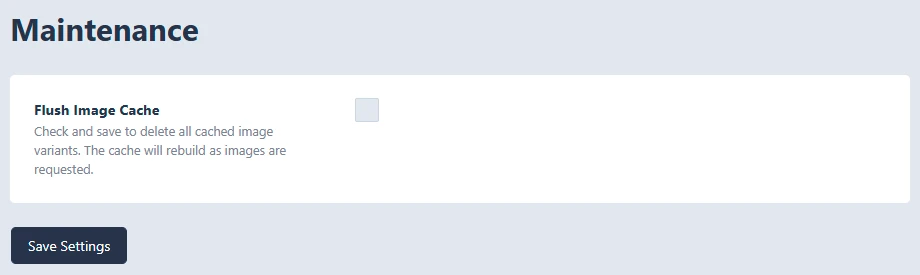
The Flush Image Cache option deletes the cached image versions created by Kraken Projects.
Kraken Projects processes images for different layouts and display sizes, such as project cards, category cards, gallery images, and hero images. These processed images are stored as cached variants so the site can load optimized versions instead of rebuilding the same image every time.
Important Note: After flushing the image cache, the first page load may be slightly slower while the plugin rebuilds the needed image versions. Once rebuilt, the cached images will load normally again.