Tags
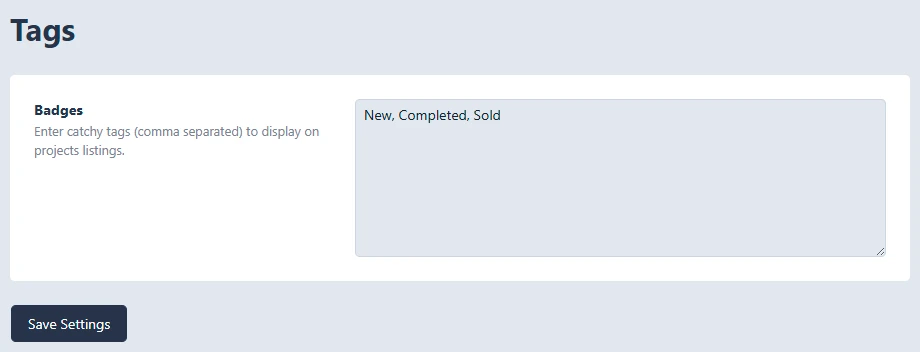
Tags let you create a reusable list of project badges, such as New, Completed, or Sold. These are entered once in the settings area, separated by commas, and then become selectable options when editing an individual project.
In the project editor, the Badges field lets you choose one badge from the Tags settings list. The selected badge can then display on project listings and project visuals, depending on the layout.
Note: These are display badges for projects, not WordPress blog tags. Changing the Tags settings updates the list of available badge choices, but each project still needs a badge selected in its own Project Settings.
To view the Tags: go to Projects → Settings → Tags