

Display
The Display settings allows you to customize the appearance and layout of your Kraken Careers job board. These options help you match the job listings page to your site’s overall design and ensure a clean, user-friendly experience for applicants.
For Display settings: go to Careers → Settings → Display
Global Options
Content Width
Controls how wide the main content area appears on the page, with the following options.
Match Site Width: Uses your theme’s default content width.
Wide: Uses your theme’s designated wide width setting.
Fullwidth: Expands the content area to the full width of the site.
Custom Width: Allows you to manually enter a pixel width for complete control.
Landing Page Layout Options
Heading: The main heading displayed on your job board’s landing page.
Content: A short introductory section shown below the heading. This is a good place to welcome visitors or summarize your hiring philosophy.
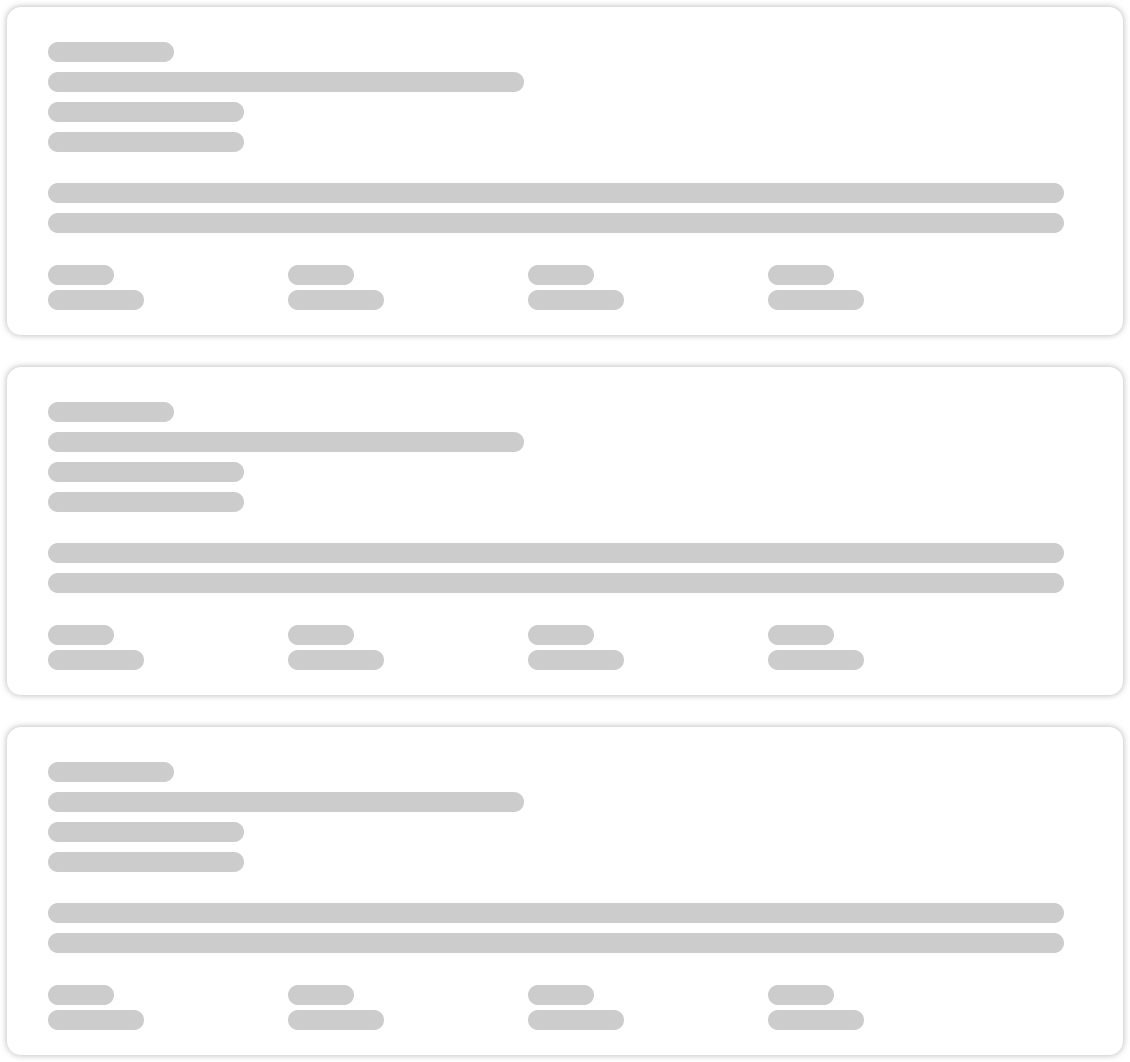
Content Layout Style: Choose how job posts are visually arranged on the landing page.
- Row – Displays one listing per row.
- Grid – Displays listings in a multi-column grid.
Row
Grid
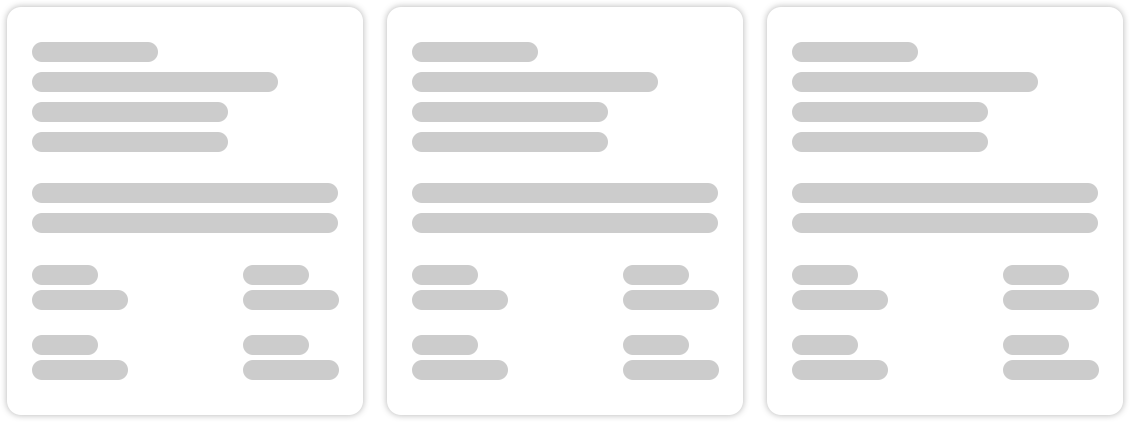
Number of Columns: If using the Grid layout, select how many columns you want.
- 2 Columns
- 3 Columns
Hide Search Filters: Enable this option to remove the search filter bar from the landing page. This is useful for a simplified or highly curated job listing page.
Custom CSS
CSS Editor
For users comfortable with CSS, this editor allows you to apply custom styling directly to the Kraken Careers plugin.
Use it to modify spacing, colors, typography, or any visual elements to better match your site’s branding.