

Integrations
Kraken Careers includes optional integrations that allow your job postings to appear on major job search platforms. These integrations help expand your reach, increase applicant volume, and improve the visibility of your listings.
For Integration settings: go to Careers → Settings → Integrations
Google Jobs Integration
The Google Jobs integration automatically adds the required Google Job Posting Schema to your site. This allows Google to index your job listings and display them in Google Job Search results, improving your discoverability.
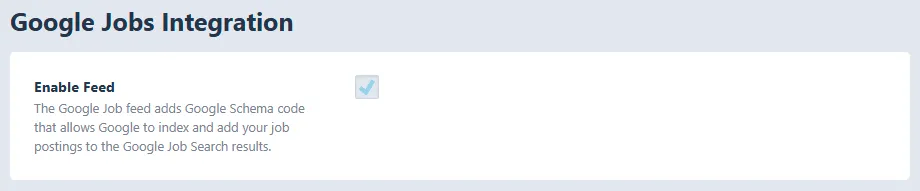
Enable Feed: Google Jobs is enabled by default. When active, schema markup is added to all published job postings that meet Google’s requirements.
How It Works:
- No additional setup is required
- Google automatically detects and crawls your listings
- Eligible jobs may appear directly in Google’s job search interface
This integration is highly recommended for all users, as it helps applicants find your positions more easily.
Indeed Feed Integration
Kraken Careers includes an optional XML feed that integrates with Indeed’s Direct Employer system. This provides a structured feed of your job postings that Indeed can import directly.
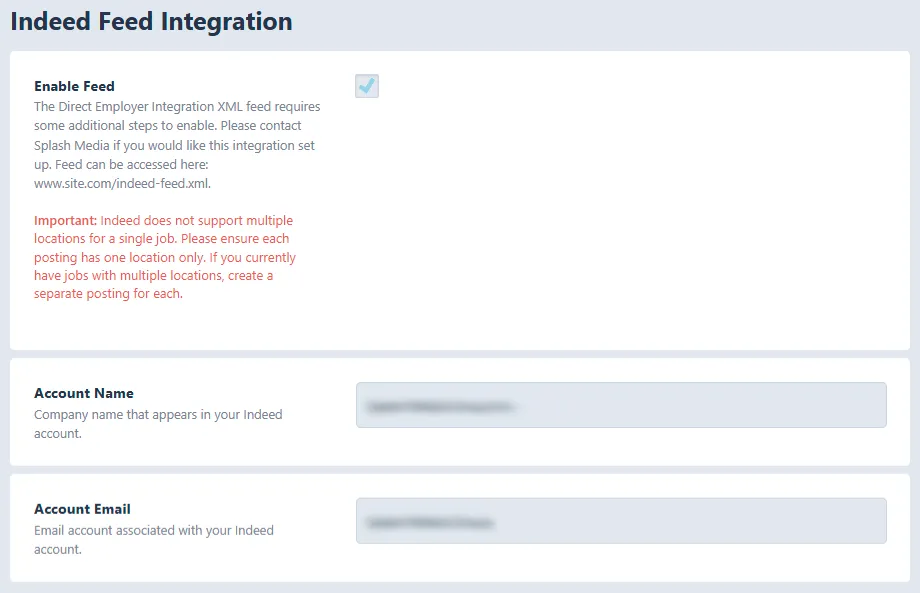
Enable Feed: Indeed is disabled by default. Enabling it creates the XML feed however, additional configuration with Indeed is required.
Important Requirements (Read Before Enabling)
Indeed does not support multiple locations on a single job posting. If you currently have jobs with more than one location selected, you must:
- Create separate job postings for each location,
- OR remove additional locations on your job posts.
If the above steps are not followed, your job posting will not work on Indeed.
Account Name: The company name associated with your Indeed employer account. This should match the name Indeed has on file.
Account Email: The email address linked to your Indeed account. Indeed uses this email for verification and support communication.
Final Setup Steps for Indeed: Once all fields are filled in:
- Enable the Indeed feed
- Confirm your job postings meet the single-location requirement
- Contact Indeed Support and request activation of your Direct Employer XML Feed
Indeed will verify your account and connect your feed to their system.
Feed URL: Your feed will be available at: [siteurl]/indeed-feed.xml